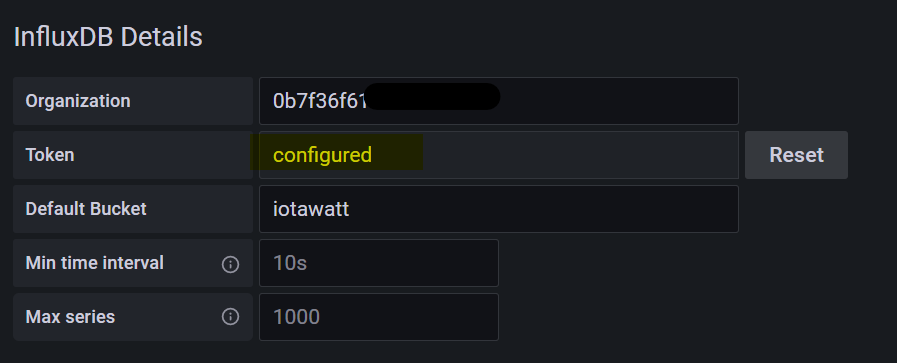
A note about configuring the influxdb data source in grafana, since they are running together in docker via compose, they are on the same “network” in docker, and have similar network ip addresses. I realized just recently that the “hostname” of the container is the docker name in the compose, so when I configure the address for influxdb in grafana, I can just use http://influxdb:8086 and it’ll find it. I was previously doing it the hard way, using http://host.docker.internal:8086, which points to the machine running docker (so basically coming out of docker, hitting the host, going back into docker!)


you also set the organization id,api token and bucket that you get from influxdb organization pages.