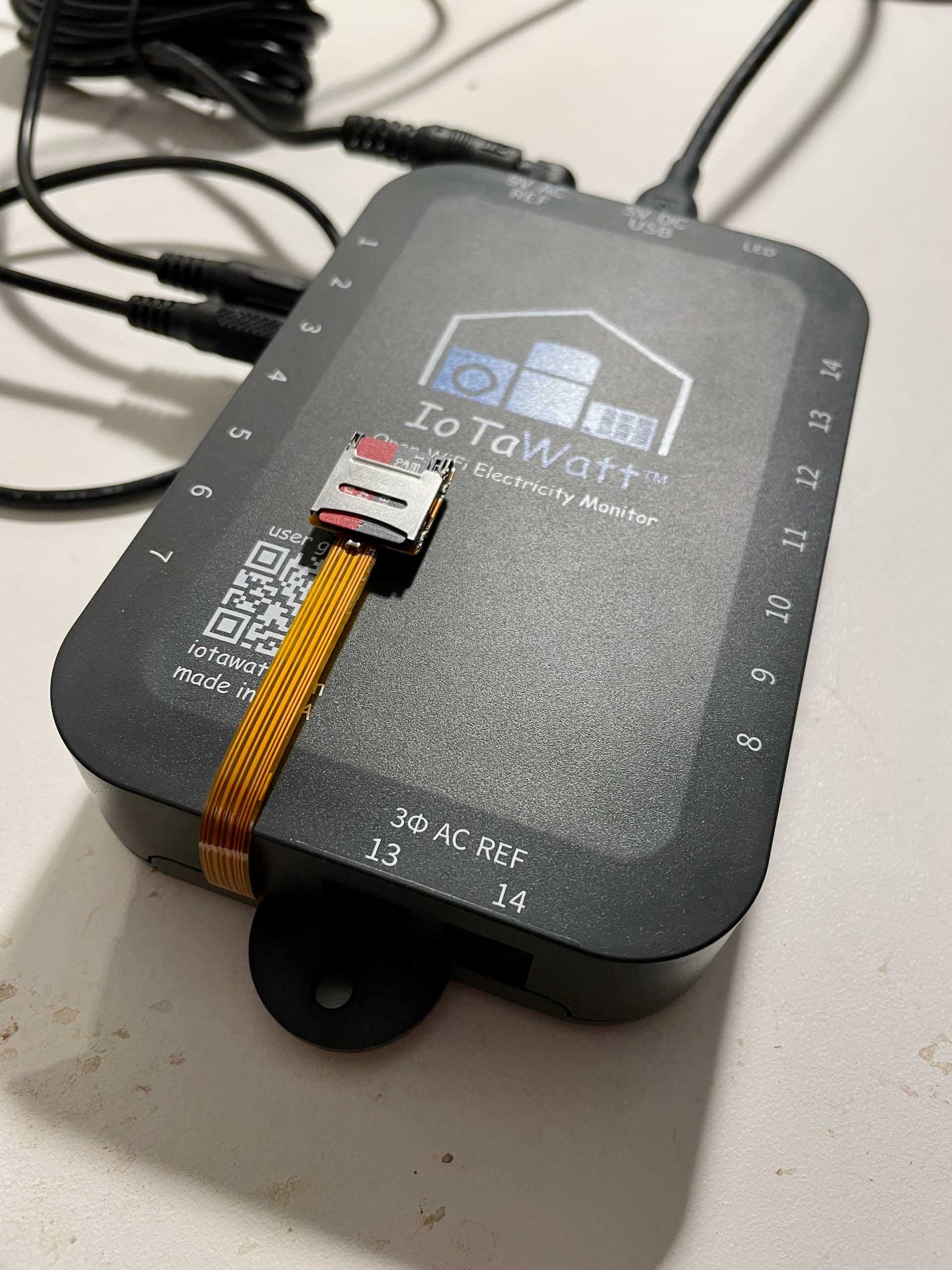
I managed to get my setup off the corrupted card and bought a new one, loaded the saved files and all worked, apart from no history of course.
I would like to reload the “graphs” folder with the graph configuration txt files eg b0Nt5W5i.txt
When I copy this folder to the new card I get the green-red-red led message and it will not start.
Is there any way to restore these graph configuration txt files? Would save some precious time for me.
Thanks in advance for any help.
GRR simply means couldn’t read the card. I doubt it has anything to do with the graph directory or files. Is it possible you didn’t insert the card all the way or possibly cracked during removal. You didn’t say if you removed the directory and subsequently started, or if you retried.
If you have the unit working without the graph directory, try creating the graph directory using the file manager and then uploading your b0Nt5W5i.txt into that directory.
Thank you so much for your reply. I actually initially tried with the folder. GRR. Removed folder. Good to go. Replaced folder. GRR. Removed the folder again and it has been operating stably since. That is why I was suspicious that the presence of the folder was the issue.
No cracked card as it is working fine now and no broken uSD holder as I am the person that did this.
When I get a bit of time I will repeat the experiment and get back.